Features
Every BoothZen feature, and the plan it starts on
The features are grouped the way the work goes: taking the booking, getting paid, the day itself and finding the next one. Anything that is not on every plan is marked with the first plan that has it.

Book
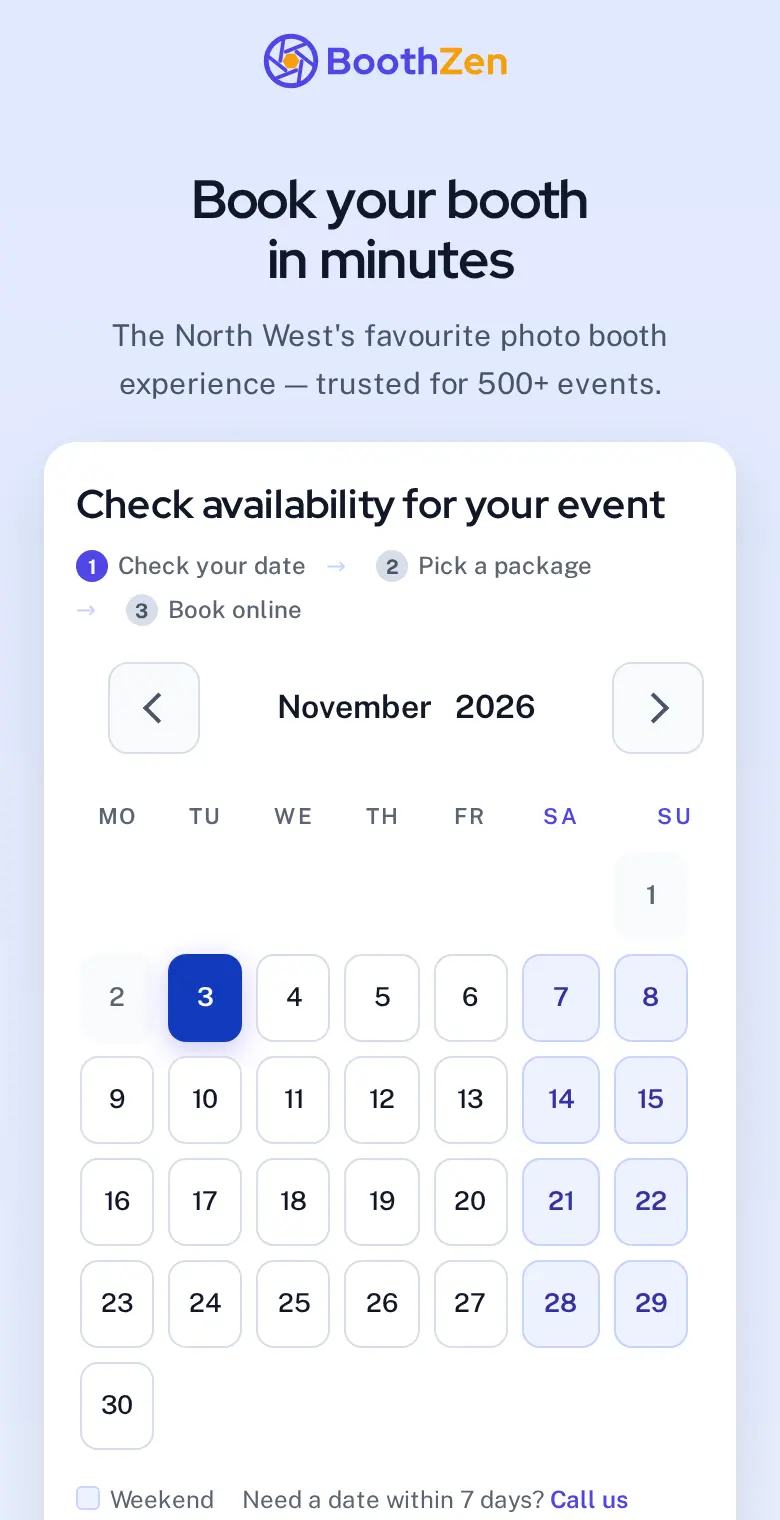
A booking page that shows your dates, packages and prices, so a client can book at eleven at night without waiting for you to reply.
- Booking page and availability
- Your packages, extras and prices on a page you send or embed. Availability comes from your calendar, so a taken date is never offered.
- Date pricingFrom Starter
- Charge more for a Saturday in June than a Tuesday in February without editing packages. Set it once by date, weekday or season.
- Calendar feedsFrom Starter
- Every booking in Google, Apple or Outlook calendar through an iCal feed, for you and each attendant.
- Booking site on your own domainFrom Pro
- book.yourcompany.com instead of a subdomain of ours, with the certificate handled for you.
Availability, date pricing and run sheets in photo booth scheduling
Get paid
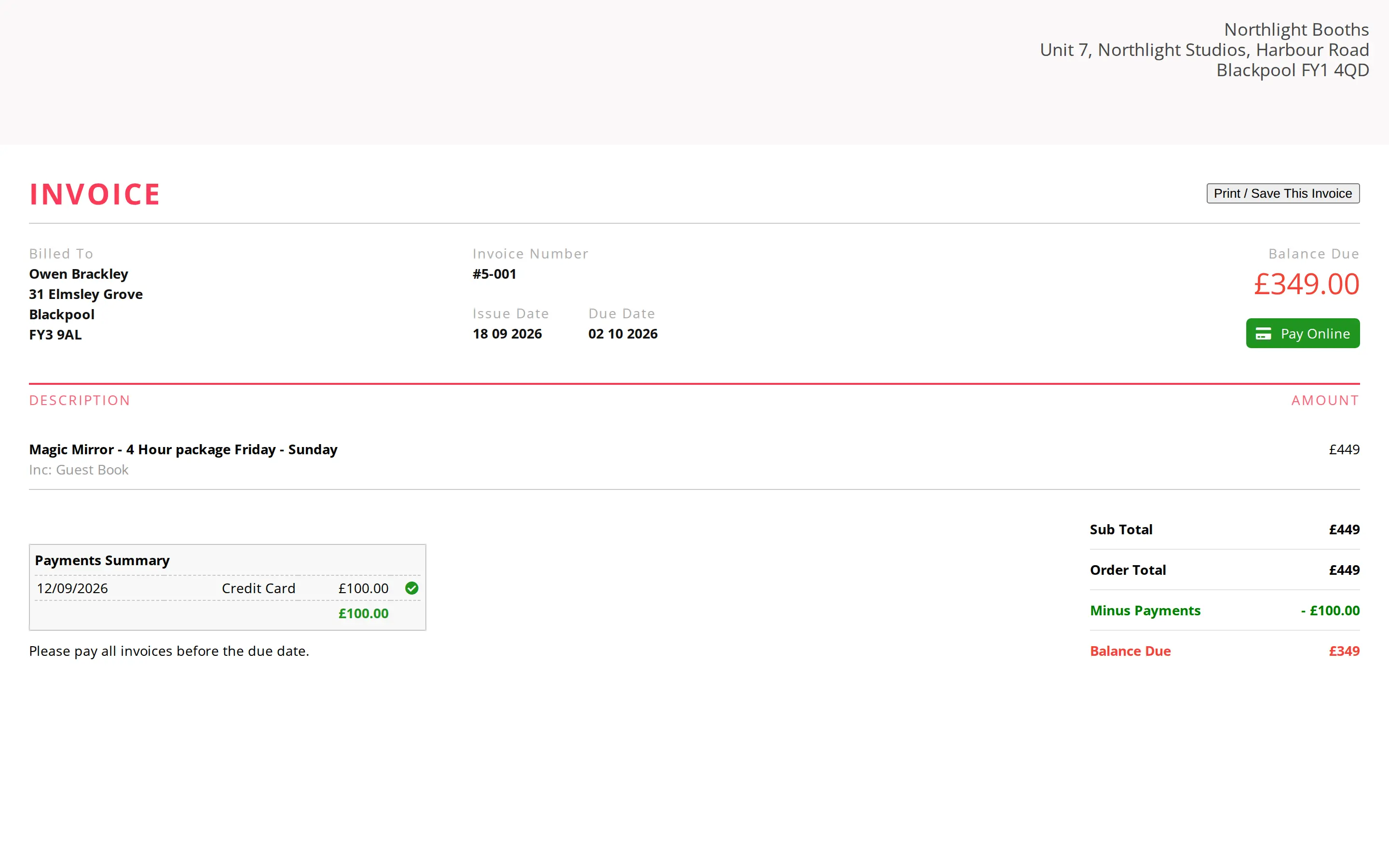
A deposit when they book, the balance before the day, both paid into your own account.
- Deposits and balances
- A deposit secures the date, and the balance is requested before the event without you sending anything. Send a payment link for anything else.
- BoothZen Payments
- Take card, Apple Pay and Google Pay deposits and balances, set up in a few minutes inside BoothZen. Money goes straight to your bank. Free: 2% per payment. Paid plans: no platform fee, or bring your own Stripe.
- No platform fee on paid plans
- Use BoothZen Payments or bring your own Stripe. Free pays 2% on card payments through BoothZen Payments, which keeps the Free plan free.
- Invoices
- Generated from the booking, numbered, sent as PDF, with tax handled per line.
- Half-price gallery hostingFrom Solo
- Event galleries for your clients at half the list price on Solo and up.
- Accounting syncFrom Pro
- Invoices and payments pushed to Xero or QuickBooks as they happen.
Run the day
Contracts signed online, reminders sent to the client, and a run sheet for whoever works the event.
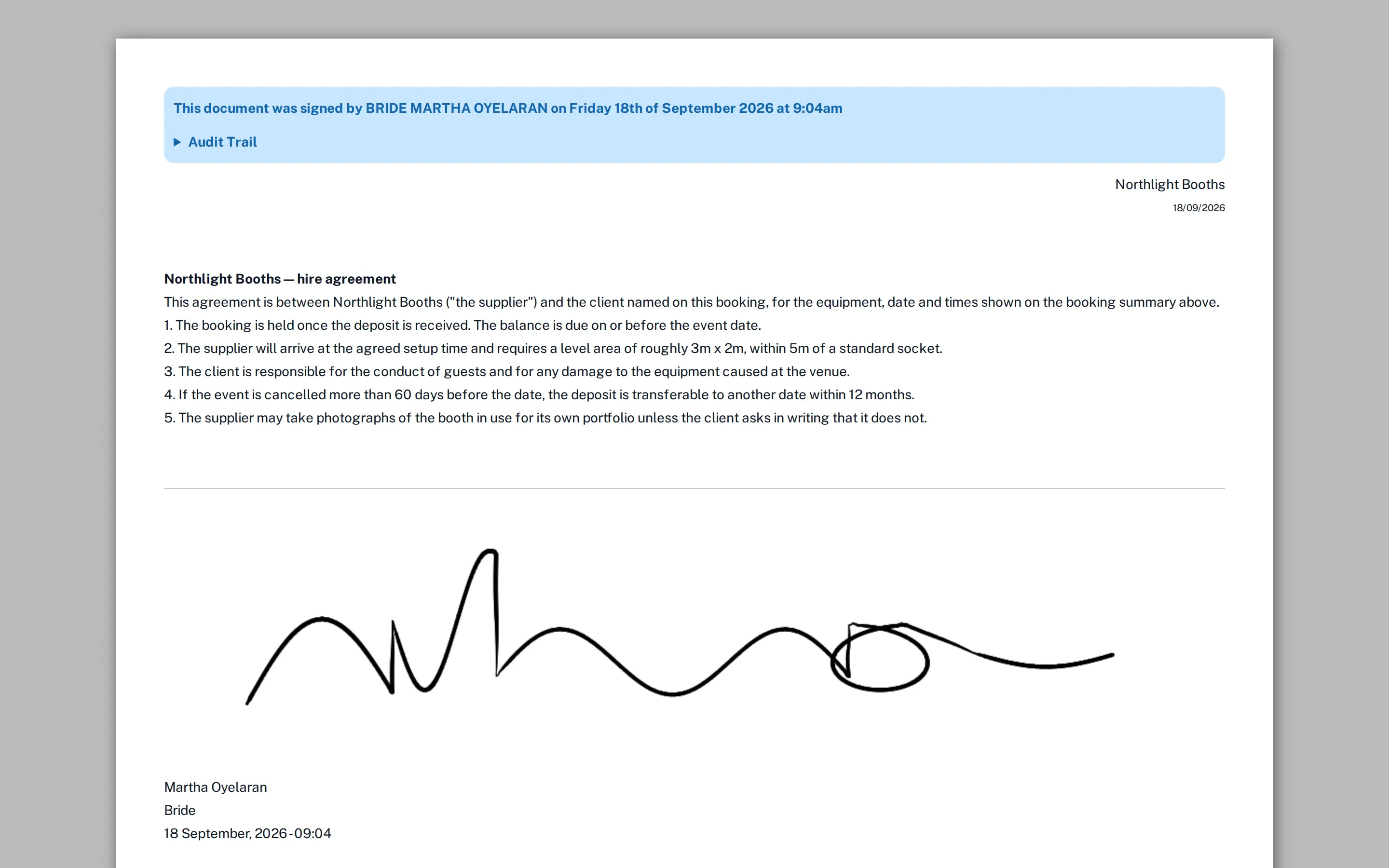
- Contracts and e-signature
- Your terms, merged with the booking, signed on any device, stored with the booking.
- RemindersFrom Starter
- Reminders when the balance is due, the week before and the day before. You write each one once and it goes out for every booking.
- Operator app
- Bookings, customers and the calendar on your phone, with the day's run sheet.
- Attendant app and run sheetsFrom Team
- Your attendants see only their events: address, times, package, notes, and a button to say they have arrived.
- ConversationsFrom Team
- Every email and text with a client in one thread against the booking, answered from your phone.
- Task builderFrom Team
- Checklists added to a booking when it is confirmed: order the props, print the template, charge the batteries.
Grow
Enquiries from your website, proposals your leads can book from, and reports that show which events earn the most.
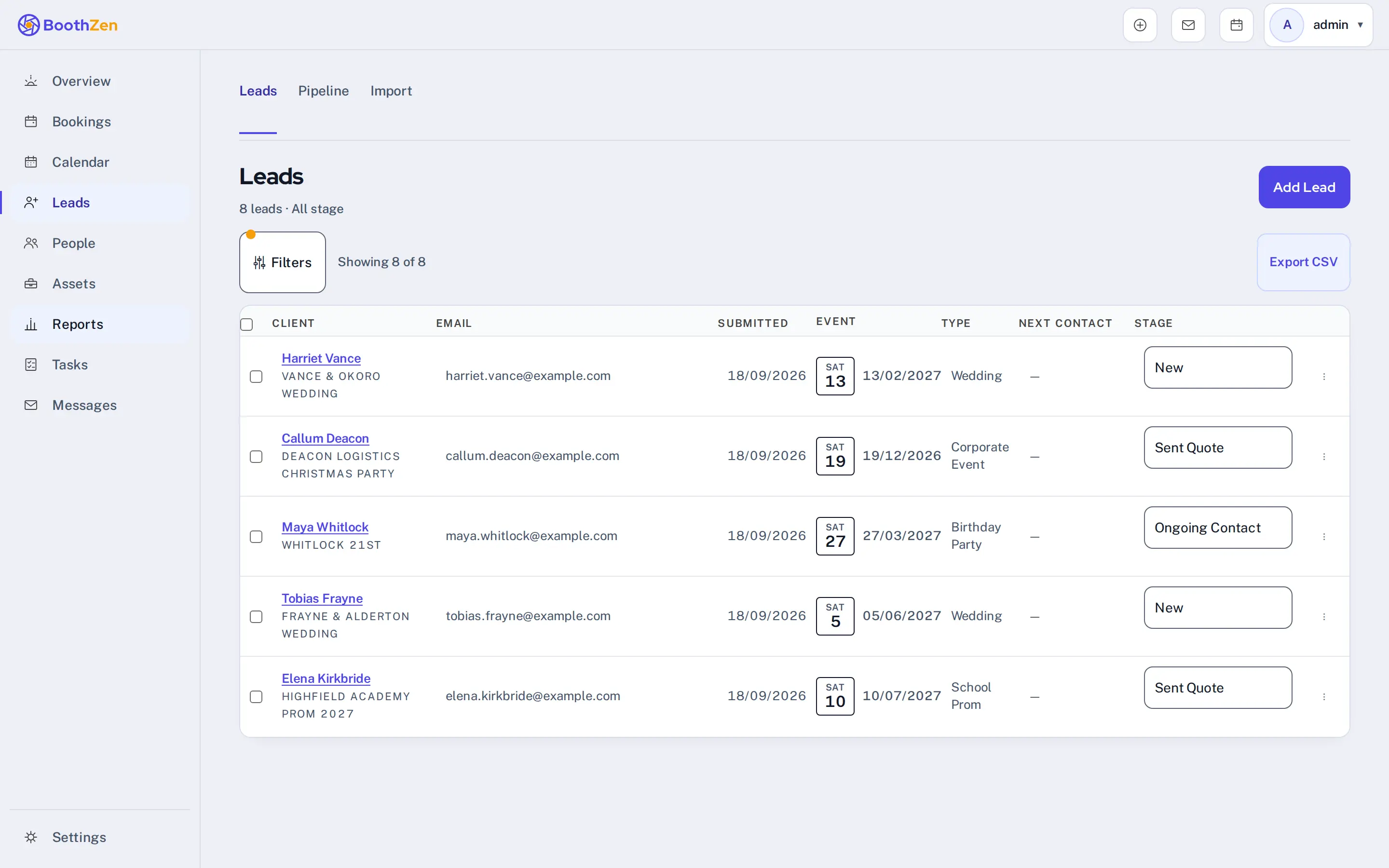
- Lead capture and widget
- An enquiry form for your website that lands in your leads list with the date checked against your calendar.
- Proposals
- A branded proposal with packages and a book-now button, tracked when opened.
- AutomationsFrom Starter
- Follow up a lead after two days, ask for a review after the event, nudge an unpaid balance. Simple on Starter, advanced on Pro.
- ReportsFrom Starter
- Revenue by month, by package and by lead source, and which venues book you again.
- API and ZapierFrom Team
- Push bookings anywhere and pull leads from anywhere.
- Priority supportFrom Pro
- Replies within four working hours, Monday to Saturday, ahead of the queue.
What sends on its own, stage by stage · Leads and customers in the photo booth CRM
In practice
One booking, from enquiry to the day
Here is a £450 wedding booking for a Saturday in June, as it goes through BoothZen.
1 · Sunday, 10:40pm
The enquiry
A couple planning a June wedding find your booking page from your website. They pick Saturday 14 June, choose your three-hour package and add a guest book. The page only offers dates you have free, and prices a June Saturday at your June Saturday rate.
Date pricing starts on Starter.
2 · Before breakfast
Contract and deposit
They sign your contract on their phone and pay the £100 deposit. The money goes to your own Stripe account, and on a paid plan we take no platform fee from it. The signed copy is filed against the booking and emailed to both of you.
3 · Four weeks out
The balance
The couple get a reminder with the £350 balance and a link to pay it, and another at two weeks if it is still open. The reminders stop as soon as they pay, and your bookings list flags anything still owed.
Reminders on a schedule you set start on Starter.
4 · The Saturday
The day itself
Your attendant opens their run sheet on their phone: the venue address, the arrival time, the package and the couple's notes, with a button to say they have arrived. The morning after, a thank-you with your review link goes to the couple.
The attendant app and run sheets start on Team.

Try every feature free for 14 days
Every new workspace starts on Pro, and you do not need a card.